Prepare
Turn a product into sales materials
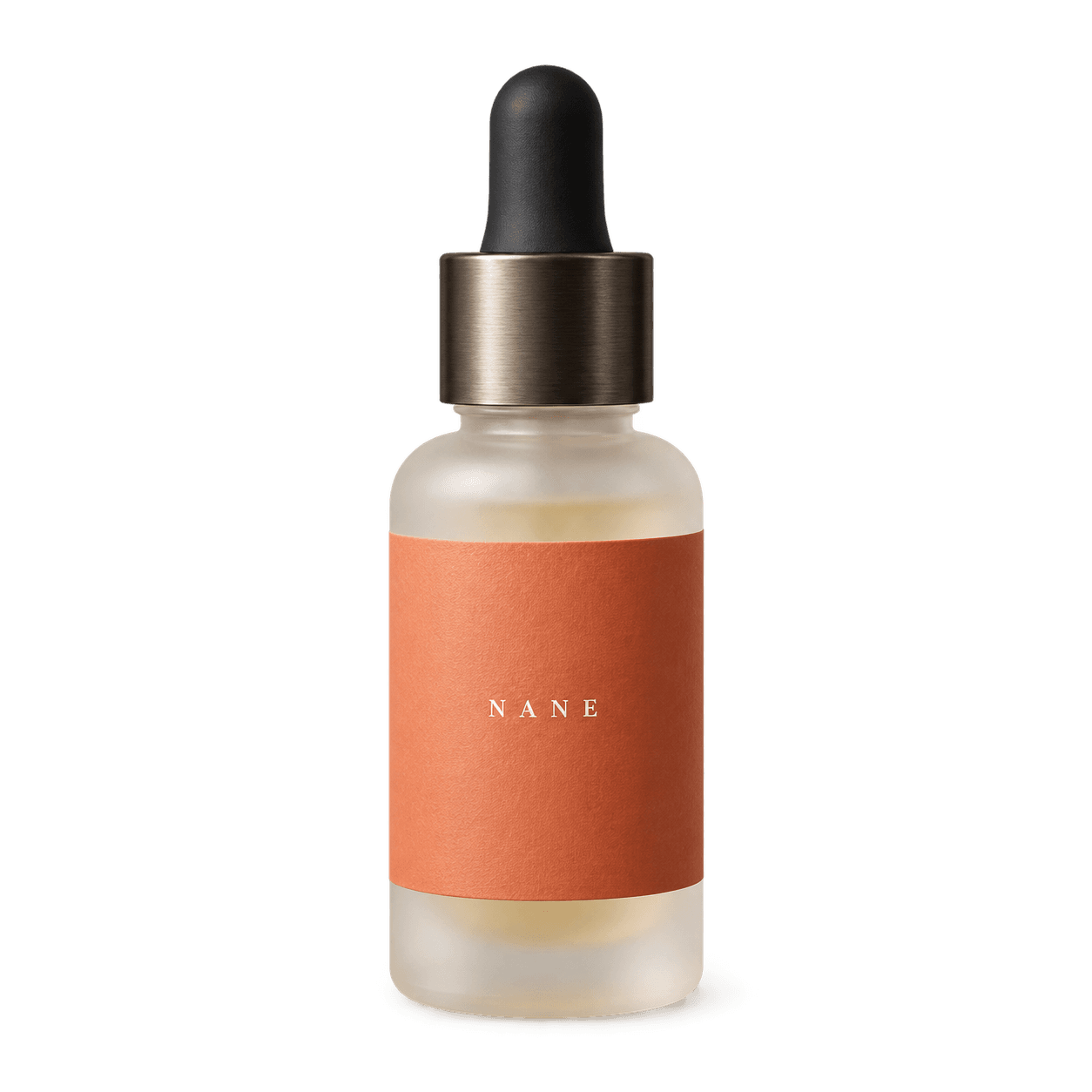
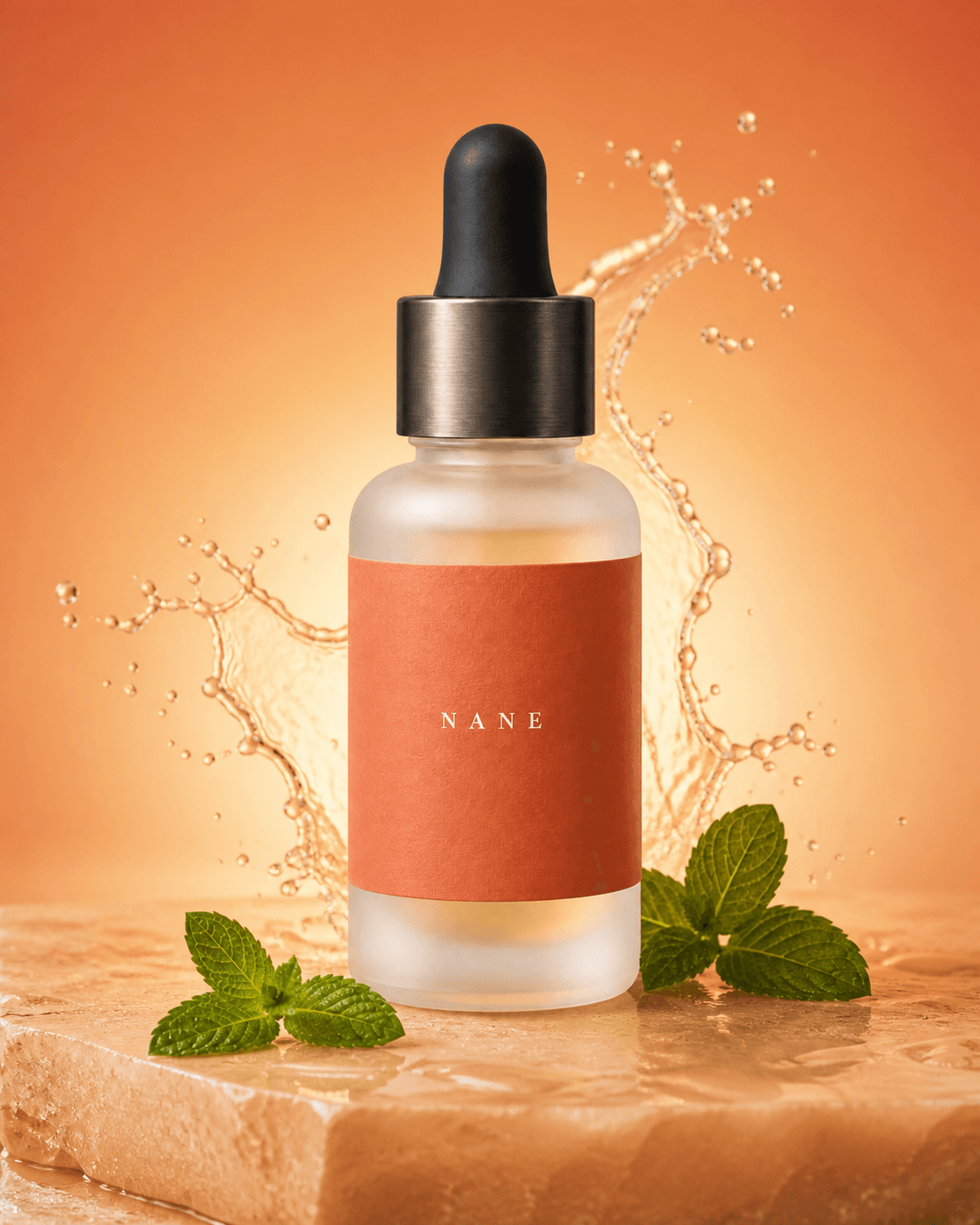
Product visualBackground corrected
Choose the experience that fits you.
Country
Language
Keep exploring this page in your country and language.
AI-native ecommerce
Selfmerce’s AI agents bring product content, store preparation and daily operations together in one place. Your agents prepare the work. You review and approve.
 Selfmerce Interactive demo
No action in this demo is applied to a real store.
From design to daily operations
Design with Studio, check with Launch, and handle everyday work together with Operate.
In beta, you work alongside a co-pilot. Our goal is an autonomous store experience that handles more workflows on its own.
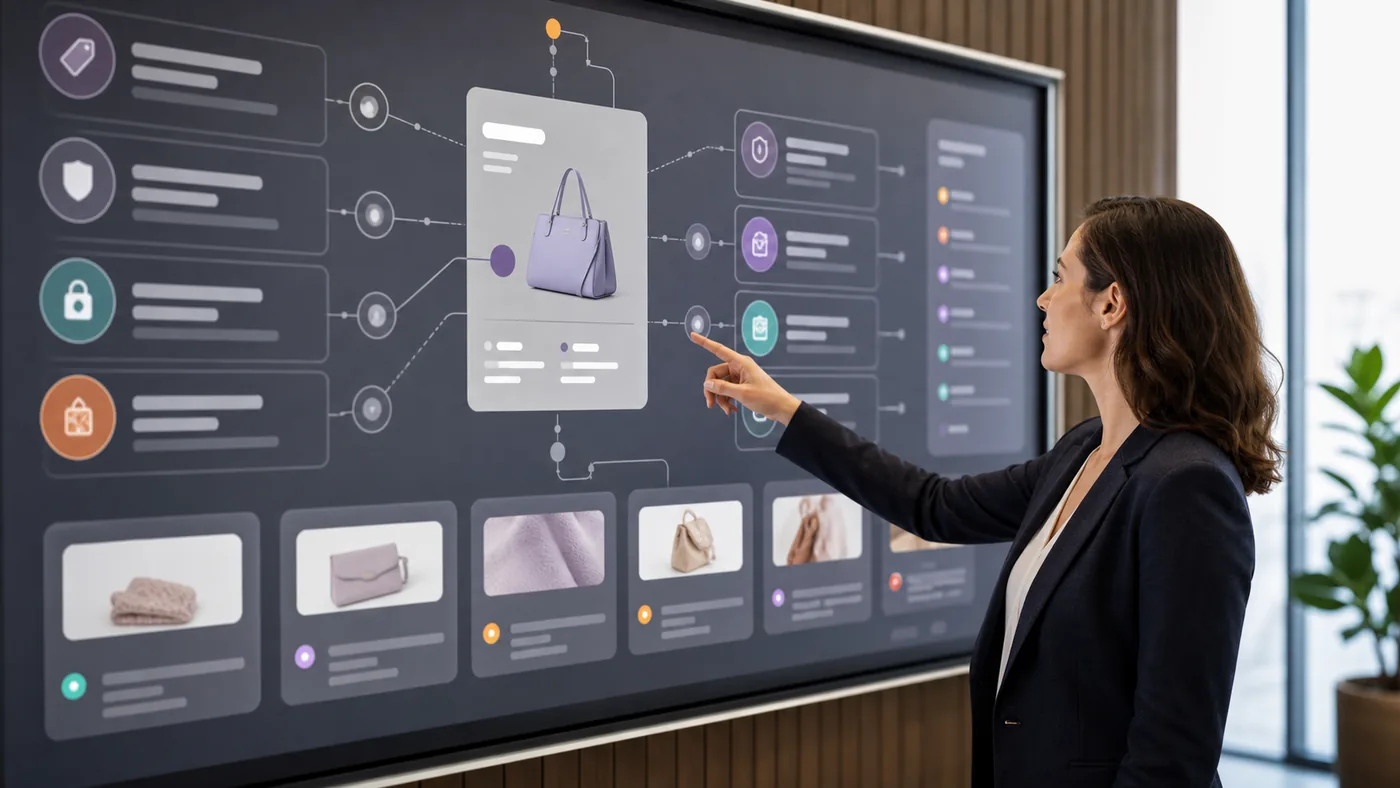
Studio carries your visual identity across product photography, social content and storefront pages.
Brings your logo and brand colours together
Improves the backgrounds, composition and presentation of product images
Prepares post templates and ad visuals for each platform
Designs storefront and product pages in your brand’s style
Launch identifies gaps across your technical setup and shopping experience, making the steps to launch clear.
Identifies speed and performance issues
Lists SEO gaps and recommended improvements
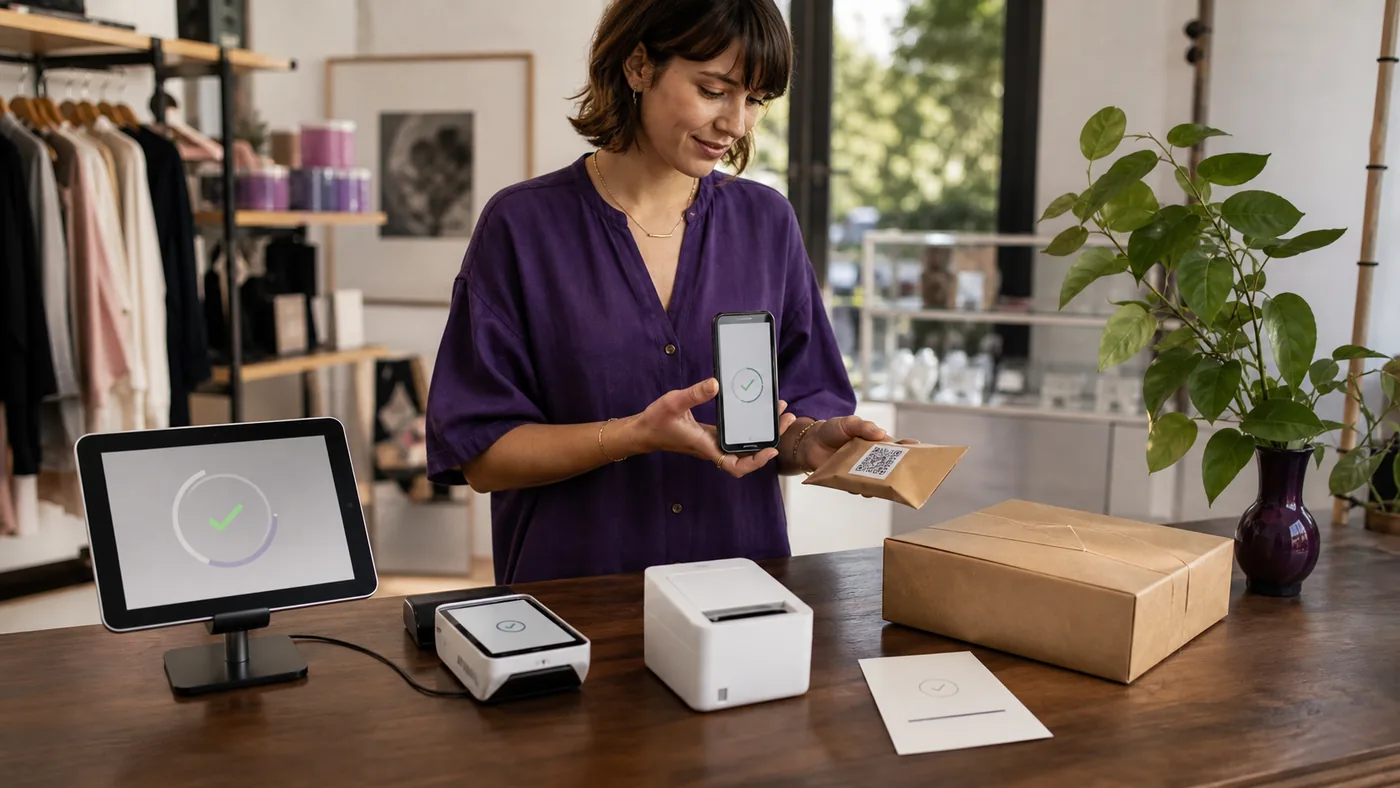
Reviews domain, payment and shipping setup
Shows which steps need fixing in the cart and order flow
Operate’s co-pilot reviews order and return records, preparing customer replies and draft actions in one place.
Tracks payment, preparation and shipping status for orders
Prepares draft orders and operational steps
Reviews return requests against your store’s policies
Prepares customer replies and resolution options
9 jobs. One AI team.
Shape your brand, prepare your store for launch and simplify daily work. Where would you like to start?
 Studio
Brand identity
Bring your logo, colours and visual language together.
Draft logo, colour palette and brand guide
Share your brand, products and preferred visual style.
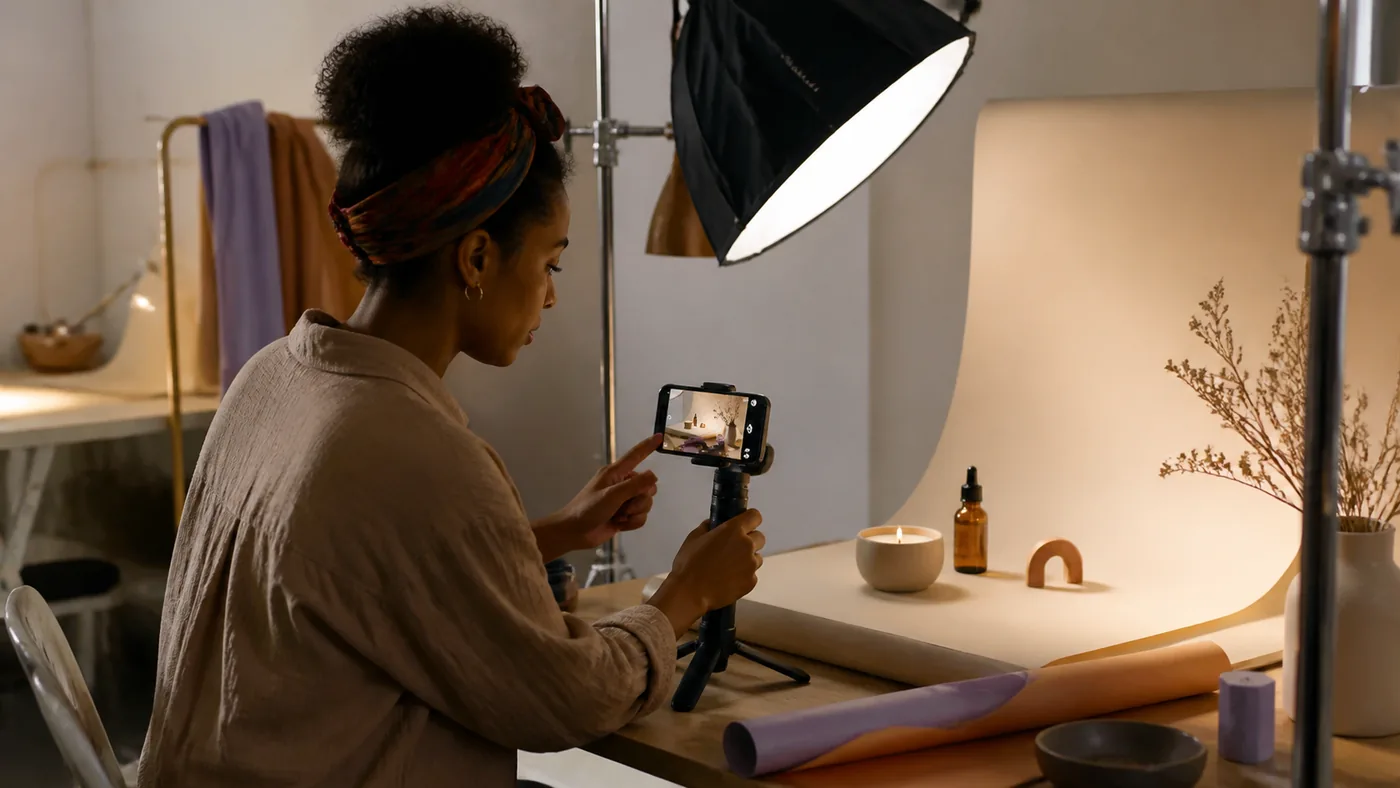
Studio develops a brand direction and prepares a logo, colour palette and usage guidance.
Try starting with this
Create a simple, warm visual identity for my natural skincare brand.
 Studio
Social media
Prepare content in your brand style without starting from scratch.
Post copy, Story and Reel cover drafts
Choose a product and the message you want to share.
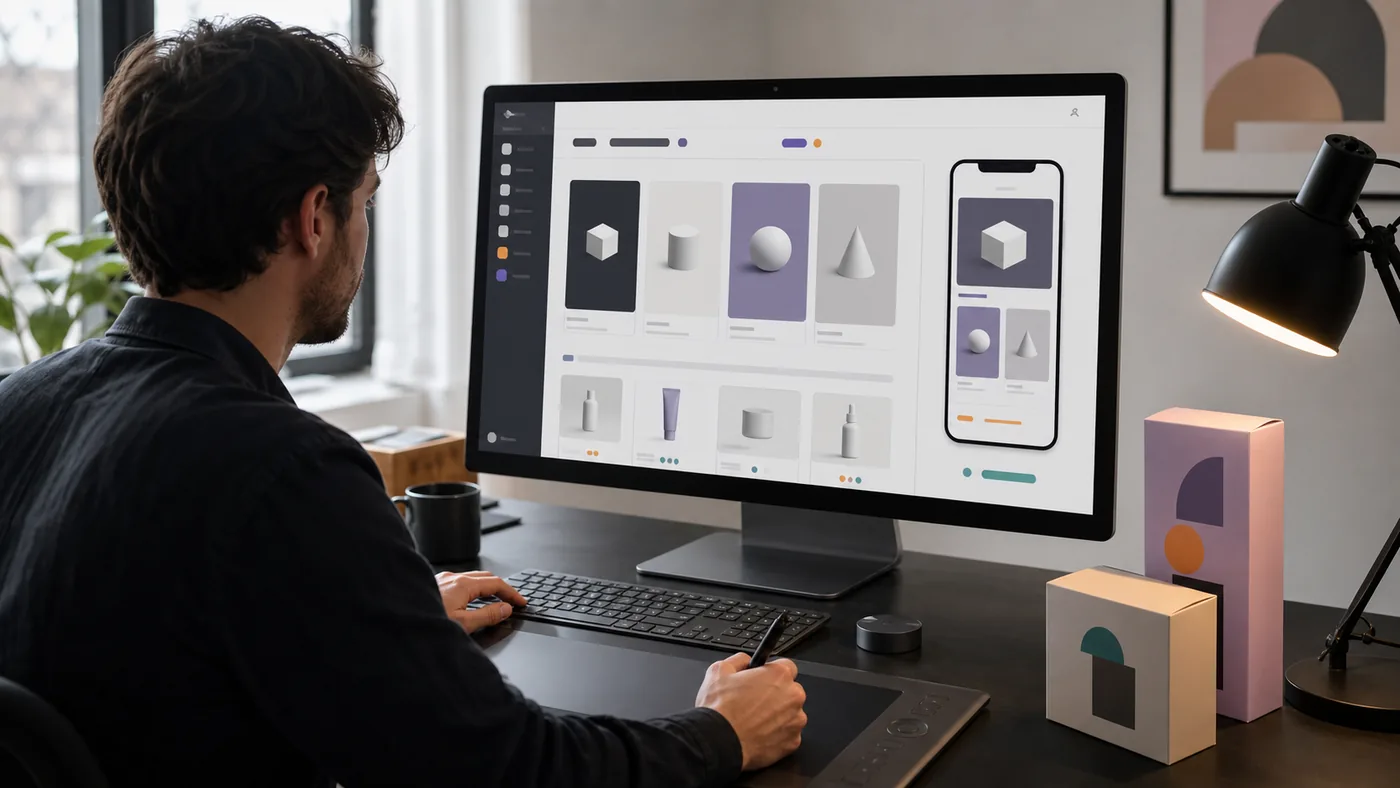
Studio prepares post copy, visual briefs and drafts for different social formats.
Try starting with this
Prepare an Instagram post and Story draft for my new serum.
 Studio
Store design
Present your products consistently on desktop and mobile.
Editable desktop and mobile page drafts
Share your product information and brand style.
Studio designs product, collection and landing pages around your brand.
Try starting with this
Design a clean homepage and product page for my skincare products.
 Launch
SEO and AI visibility
Fill in the details search systems need to understand your products.
SEO titles, descriptions and data suggestions
Select the pages to review and your target market.
Launch reviews titles, descriptions and structured data, then drafts improvements.
Try starting with this
Find SEO gaps in my product pages and suggest improvements.
 Launch
Launch readiness
Know where you stand on payments, shipping and store setup.
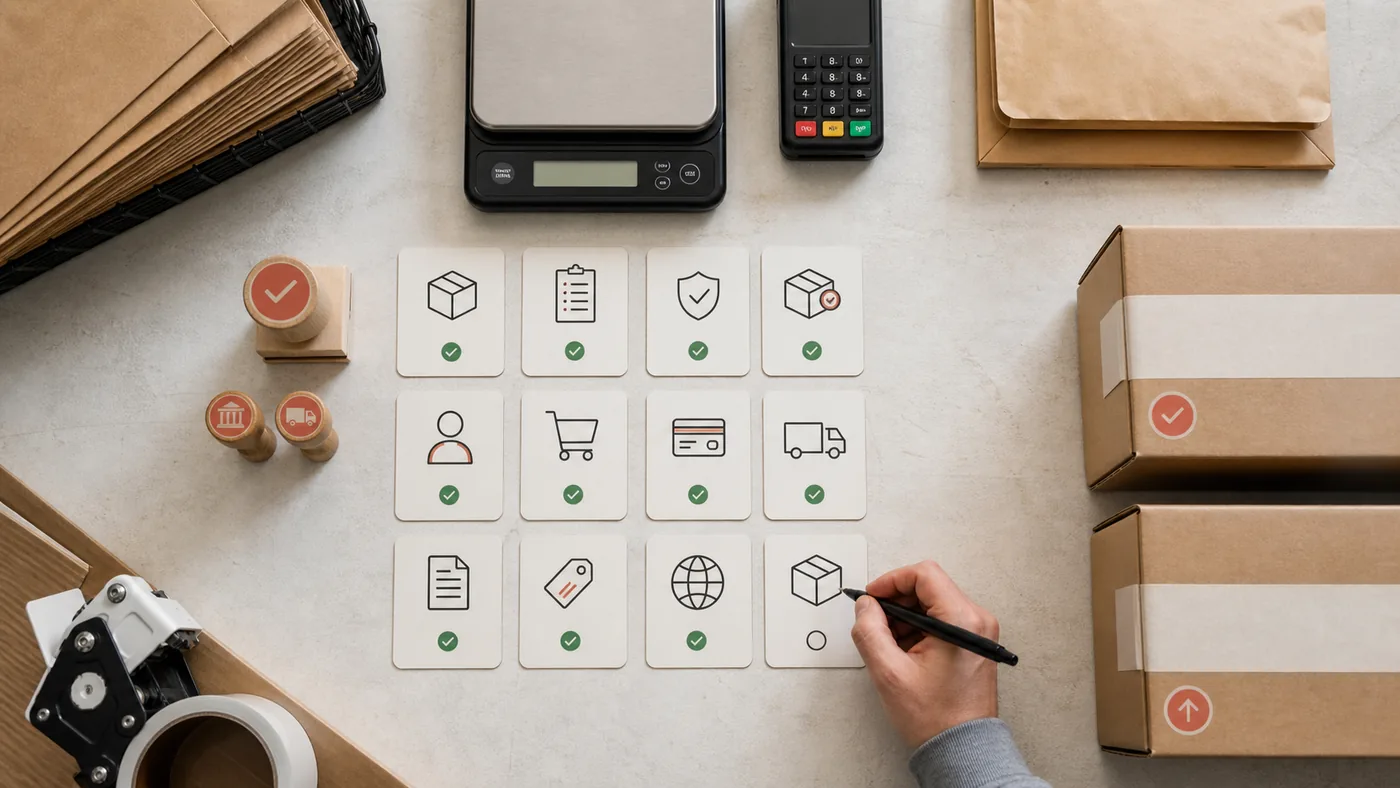
A prioritised store launch checklist
Bring your store setup and current settings into the review.
Launch checks your domain, payments, shipping and required pages, then prioritises gaps.
Try starting with this
List the setup steps I need to complete before launching my store.
 Launch
Shopping experience
Review the steps your customers will take from product to checkout.
A step-by-step shopping journey test plan
Select the products, payment and delivery options to review.
Launch prepares test scenarios and checkpoints for product, cart, payment and order steps.
Try starting with this
Prepare a test plan for my shopping journey, from product to order.
 Operate
Customer conversations
Draft replies with your brand voice and the right order information.
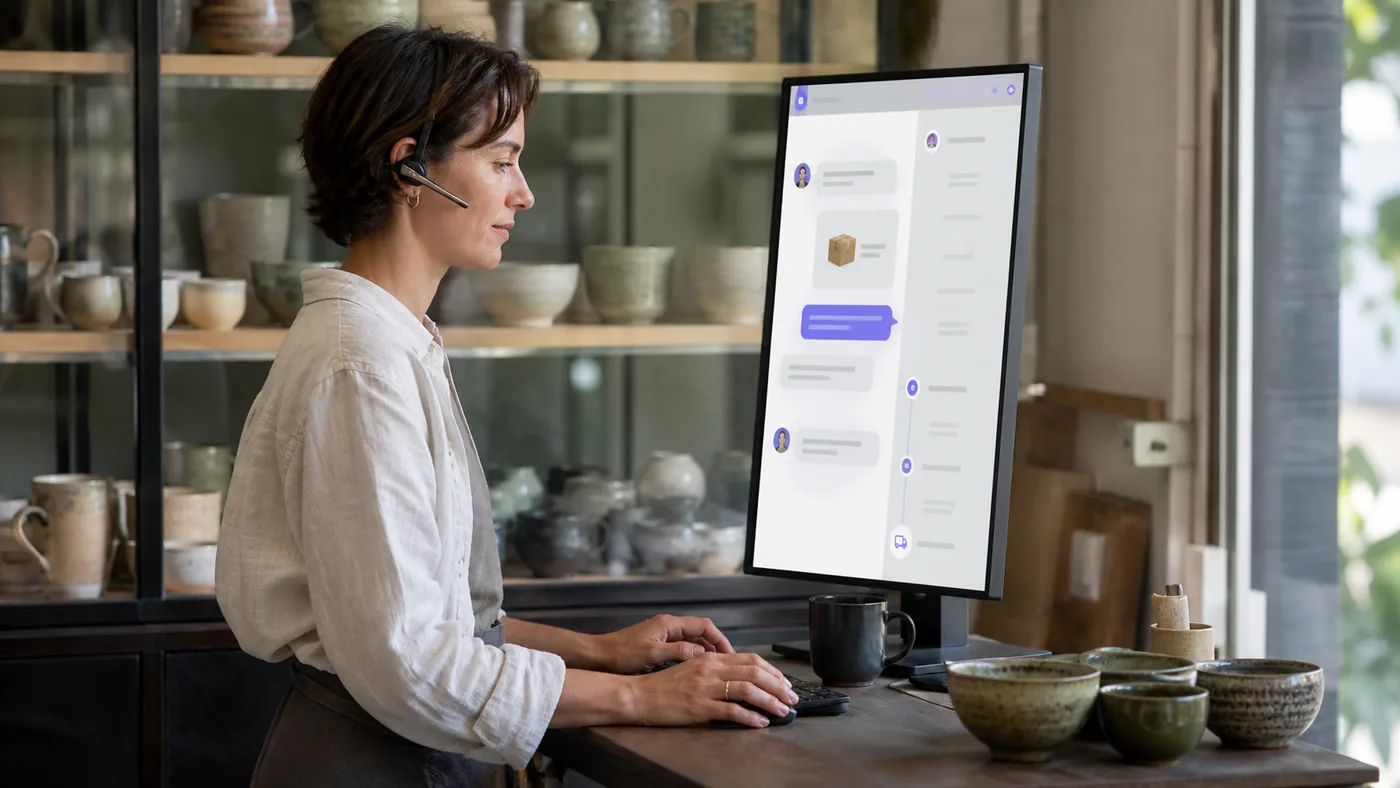
A reply and resolution suggestion to review
Select the customer message and the relevant order.
Operate reviews the message alongside order and delivery details, then drafts a reply and next step.
Try starting with this
Draft a reply to this customer asking where their parcel is.
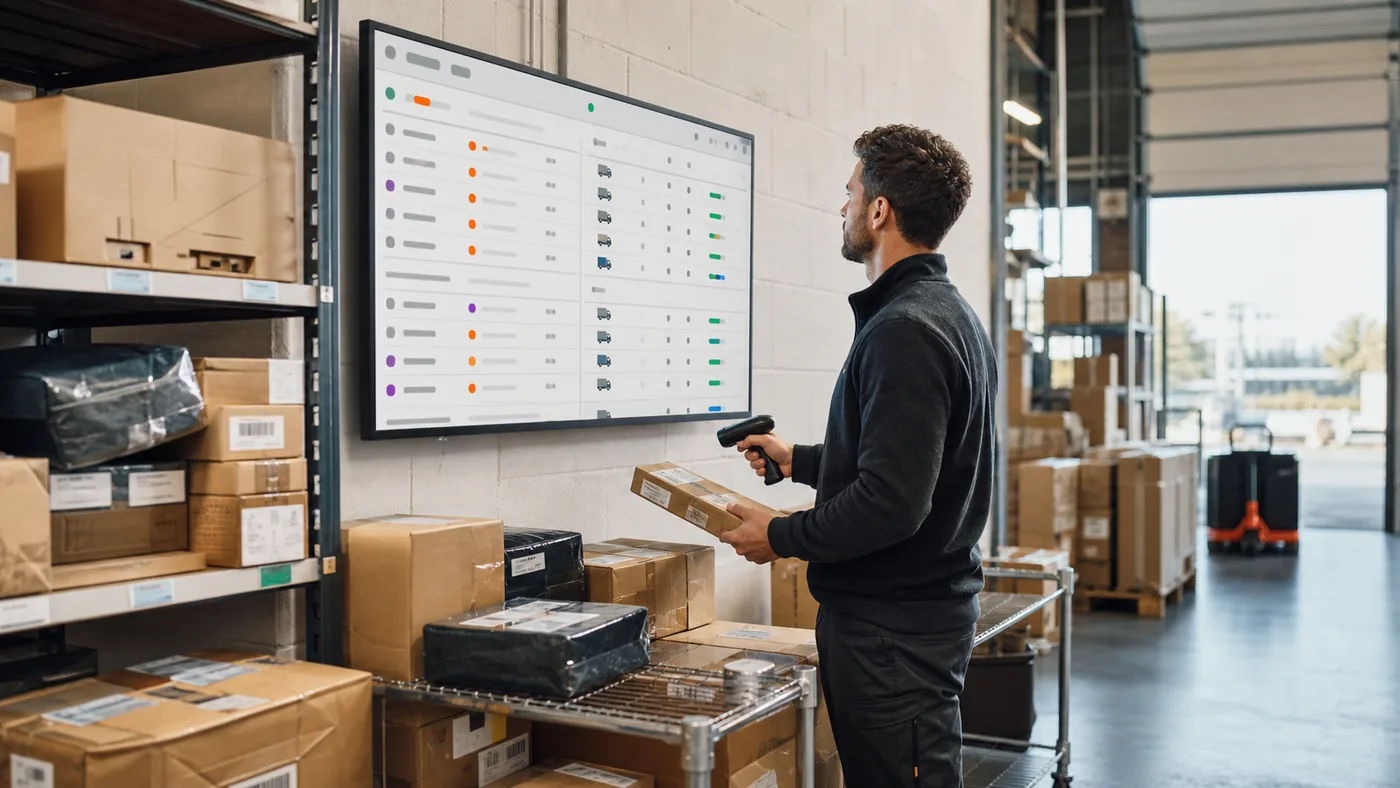 Operate
Order tracking
Follow payment, preparation and shipping status in one place.
An order status summary and next actions
Select orders in the system or a specific record to review.
Operate brings payment, preparation and shipping status together and identifies pending work.
Try starting with this
Show orders waiting to be prepared and what needs doing next.
 Operate
Returns and resolutions
Explore options for delayed, damaged or returned orders.
A return and resolution plan to review
Share the affected order and the customer’s request.
Operate compares order records with store policies and prepares likely causes and resolution options.
Try starting with this
Prepare return and replacement options for this damaged delivery.
Design your brand, prepare your store and simplify daily work. Instagram and Etsy integrations are coming soon.
Choose your starting point
Your own store
Whether you are starting a store or improving an existing one, bring design, launch preparation and daily operations together.
A real selling scenario
Your products are ready, but visuals, store pages and launch tasks are scattered across different places.
Studio prepares visuals and pages; Launch identifies gaps. Once sales begin, Operate helps with daily work using order and return records.
First outcomeOne workspace from design to operations
Yes. Start with your product information and any photos you have. Studio helps prepare your brand identity, product presentation and store pages; Launch checks for gaps before you go live.
Improve product visuals, prepare new pages and run launch-readiness checks. With Operate, review order and return records in the system and prepare action and customer-reply drafts. Connections are scoped to your store’s setup when you get started.
Yes. Work with the co-pilot in Studio on colors, visuals, page layouts and product storytelling. Arrange image and text sections on product detail pages to match your brand’s style.
Not yet. This launch focuses on your own ecommerce store. Instagram and Etsy integrations are coming soon. You can already prepare social media and advertising visuals in Studio without waiting for those connections.
Describe the job in the co-pilot, such as “Improve this product image,” “Check my store for SEO gaps” or “Review this return request.” The agent uses the relevant information to prepare a result or next step.
During beta, you assign tasks through the co-pilot. Agents prepare the work and bring critical actions to you for approval. Full autonomy is not available yet; we are building toward a store experience that handles more workflows on its own.
Book a call to share your products and main priority. In about 30 minutes, we will identify where to begin with Studio, Launch or Operate. No account connection is needed for the first call.
First pilot and roadmap
First pilot
Coming next